
MiniDiff
Text diffs & merges for macOS.
Compare two files, explore changed folders, or work through a merge. A small native app that helps you decide what to keep.
Compare files
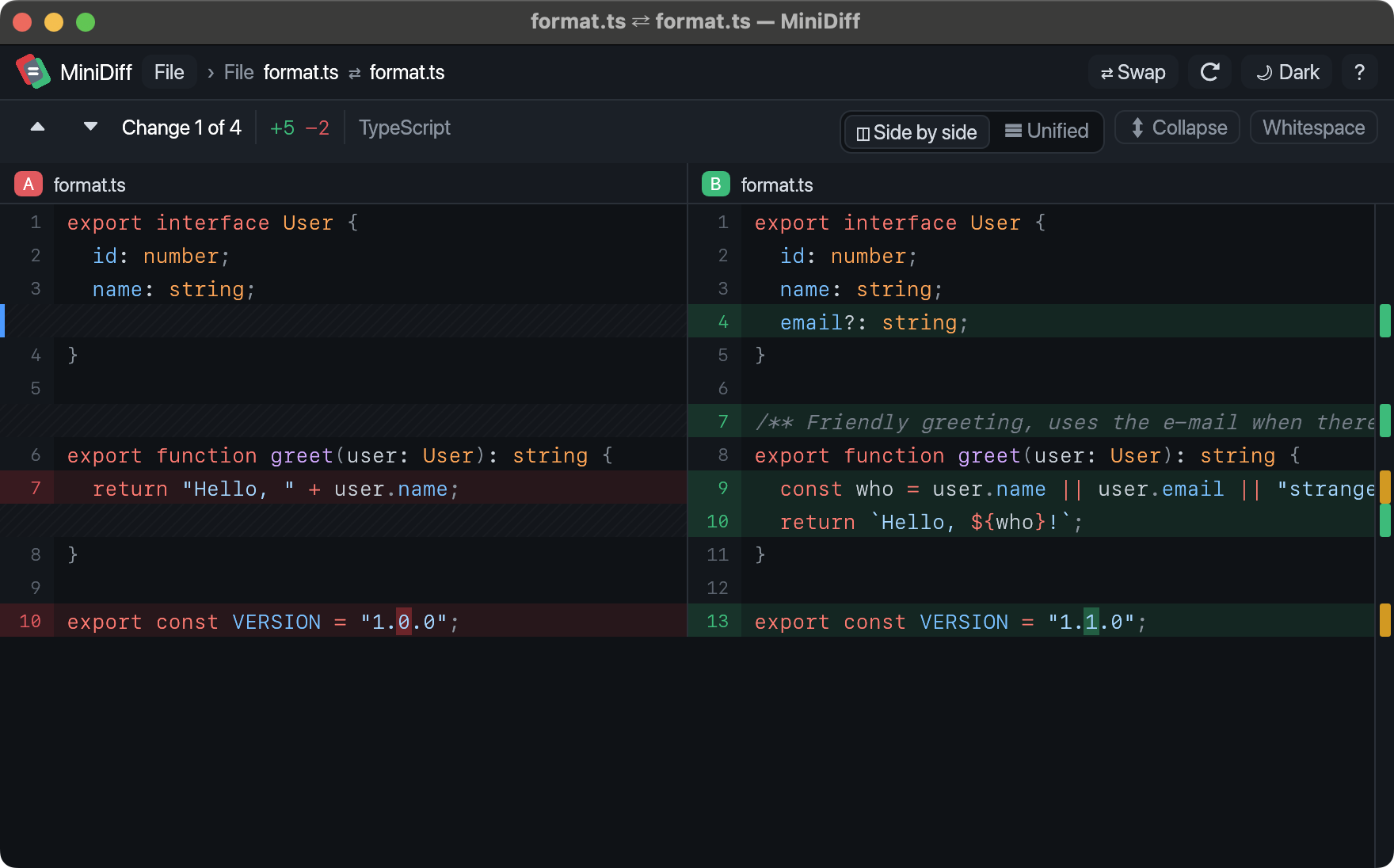
A clearer view of what changed.
-
Follow the changes
Syntax colours keep code readable. Step through each change, ignore whitespace, or fold away the lines that stayed the same.
-
Compare whole folders
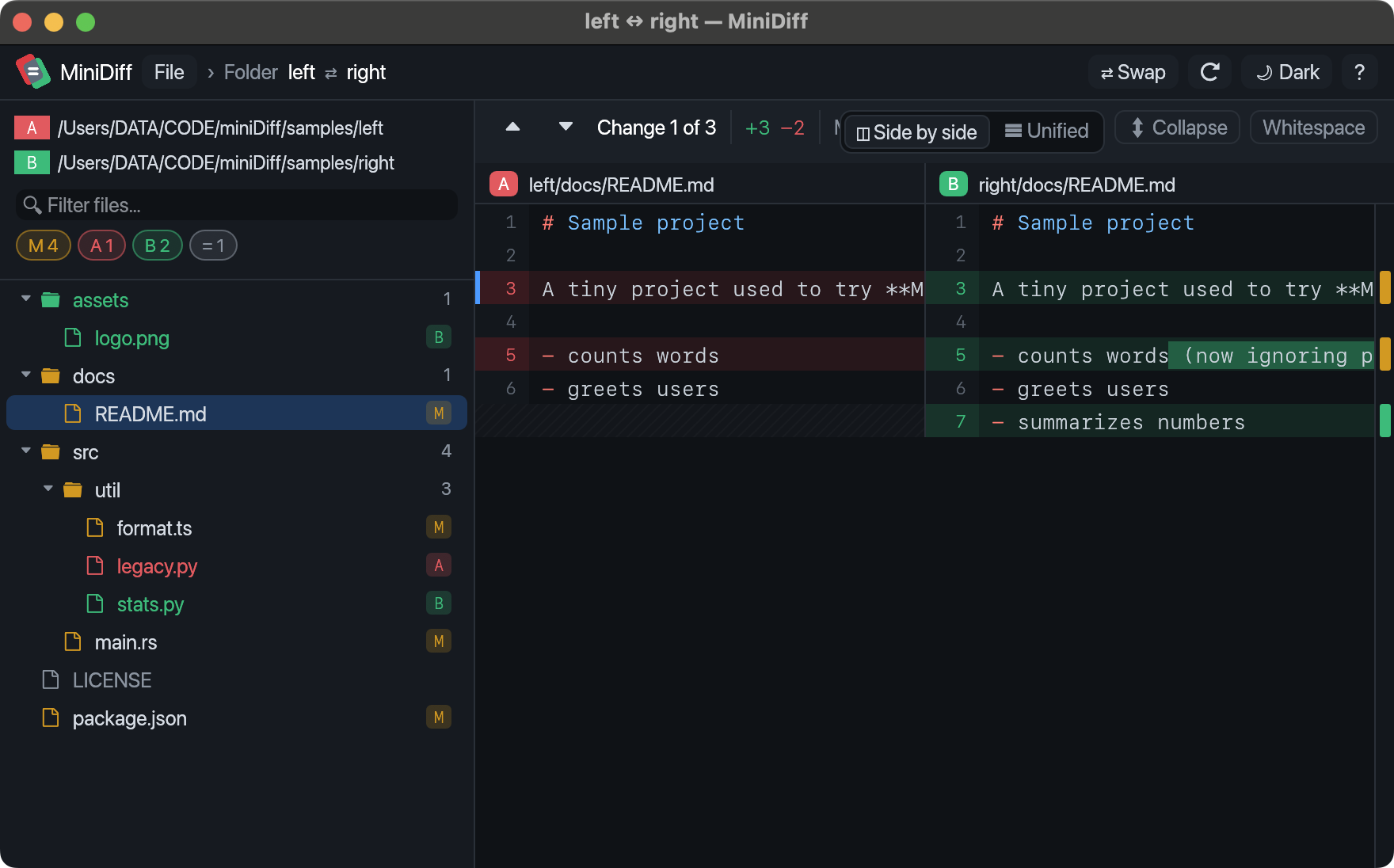
Drop two folders in. See which files were added, removed, or changed, then open any file for a closer look.
-
Work through a merge
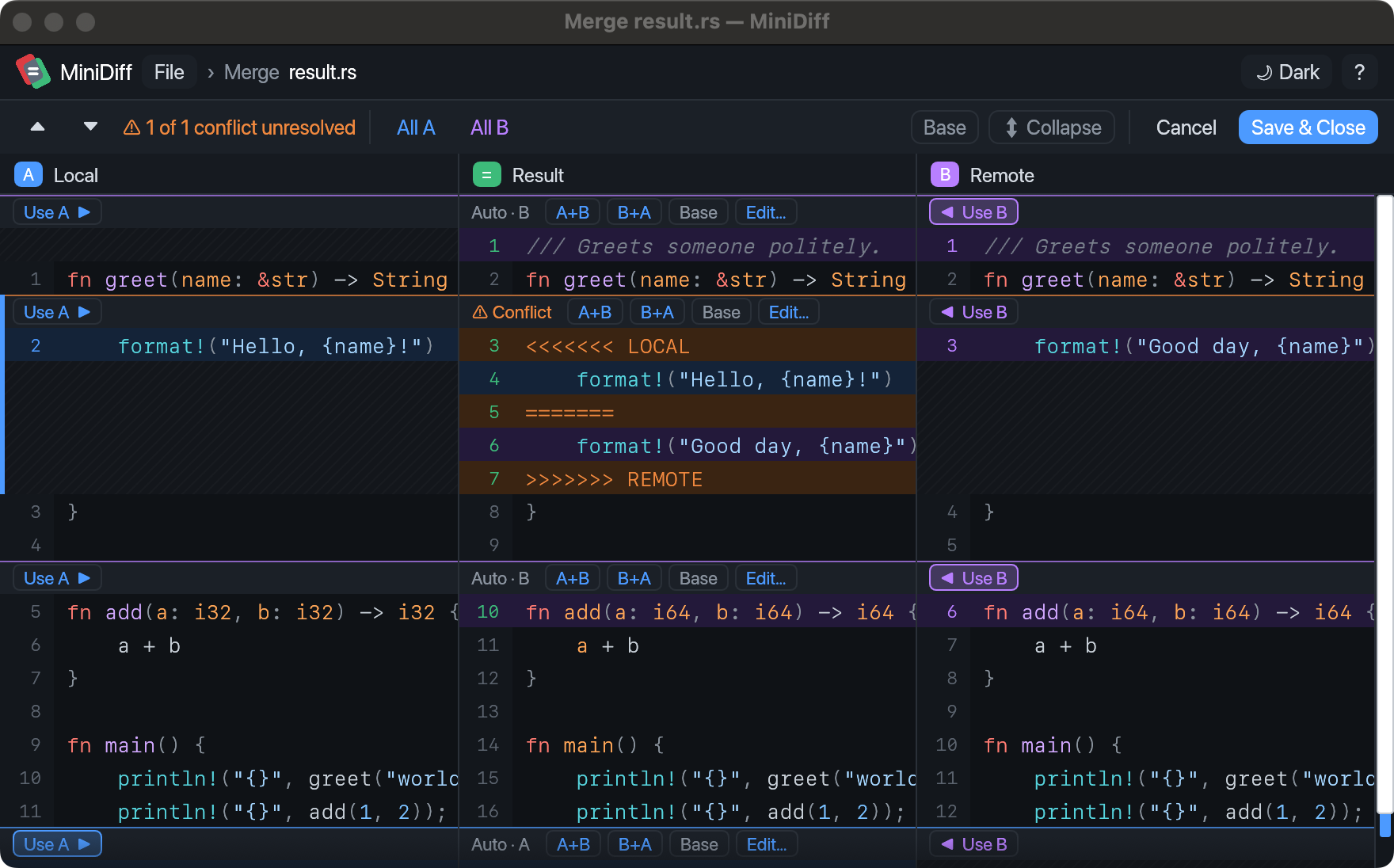
Keep either side, combine both, or edit the result yourself. Changes that don’t conflict are merged for you.
-
Keep your place
Open each comparison in its own window. Use ⌘N for another, and n / p to move between changes.
Compare folders
Resolve merges
Get MiniDiff for macOS.
Download the GitHub release, unzip it, and move MiniDiff.app to Applications. For the first launch, right-click the app and choose Open.
Free to use. MIT licensed. Updates arrive in the app.